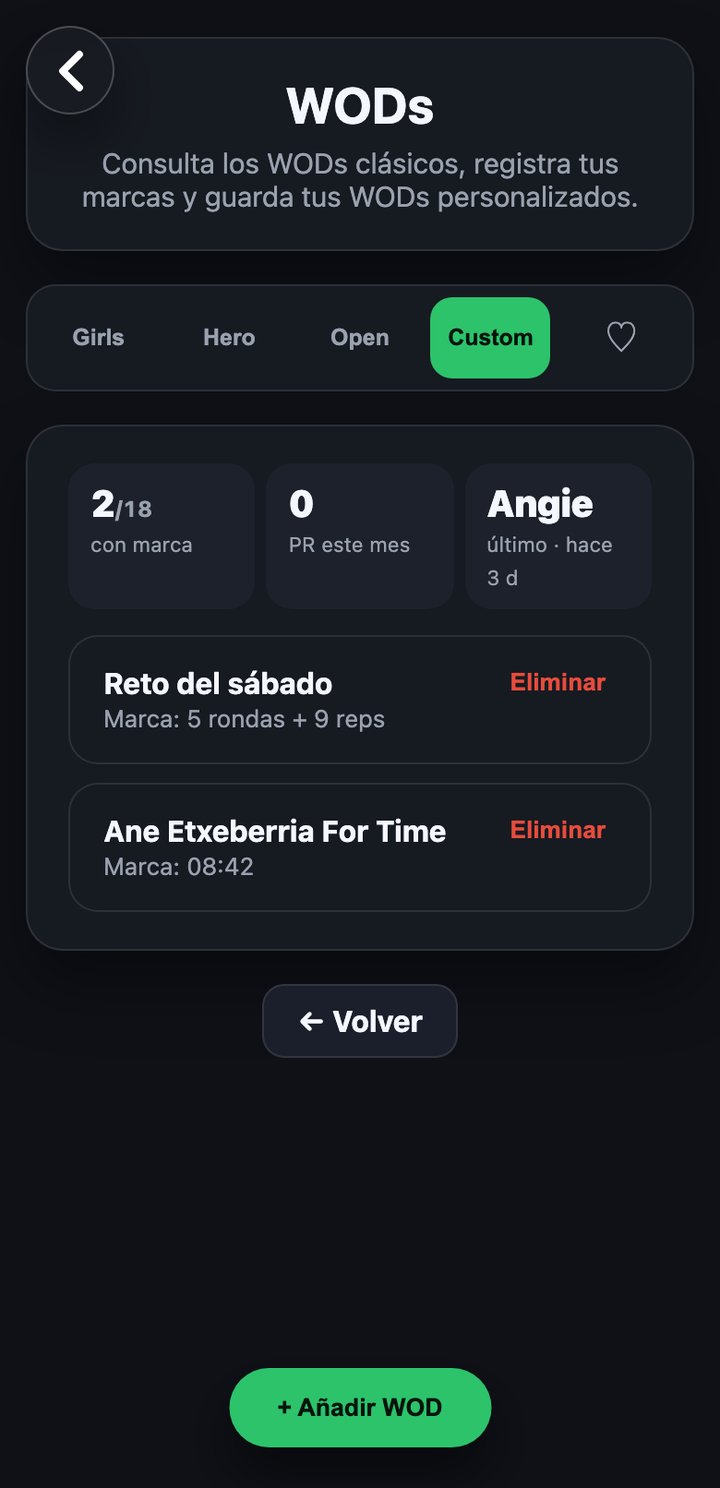
Create your own WODs, individual or team, and save your score in each one.
WODS
Custom WODs
Create a custom WOD
- Tap the add button and choose how to describe it: as text or with a photo (for example, a photo of the box whiteboard).
- Give it a name.
- Choose the format: individual, pairs or team. In pairs you look for your partner among your app contacts; in team you set the number of participants and look for each one.
- Choose the result type: rounds + reps, or for time (mm:ss format).
- Save the WOD.
Once created, each custom WOD has its own field to log a result (rounds/reps or time, depending on the chosen type) and its score history, just like the classic WODs.
You can delete a custom WOD you created; the app asks for confirmation before deleting it.